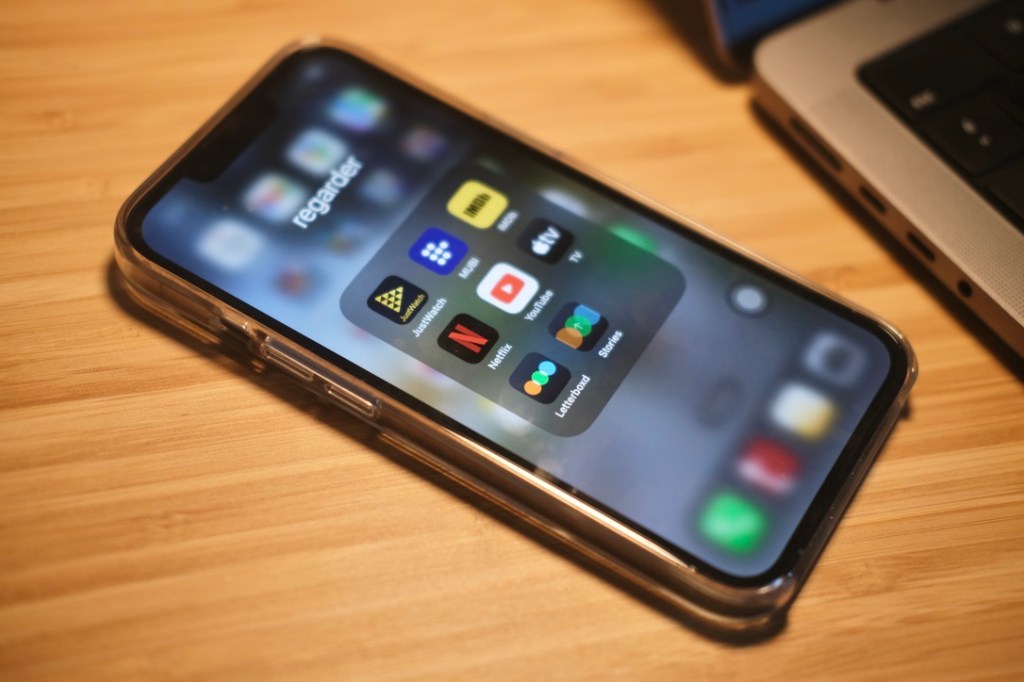
Here’s a list of some of my favorite apps and websites that I use regularly. The list has a good variety, from sports apps to reading to getting organized. Some are well-known, while others might be for more particular interests.
Enjoy the recommendations!
❤️ Health and Sports
Strava
- A platform for tracking your workouts and if you like to – a feature which I do not use, sharing them with friends.
Rungap
- Helps for syncing sports activities that were recorded by different apps.
Swisstopo & Meteoswiss
- For hiking and checking out the weather in Switzerland. In Swisstopo, you can see all the small paths when you are hiking or simply taking a walk in the woods.
📖 Reading
Kindle
- You don’t have to have a Kindle device to use the app. You simply open an Amazon account, and then you can use it on a phone or tablet. Yes, it works better on the Kindle device but is still okay for other devices as well.
Goodreads
- A social platform to log what you read and your opinions/ratings on books. It’s also great for checking the quality of a book before buying it, as you can see how other bookworms have rated it and what they thought about it.
🗣️ Language Learning
Lingoda
- The online language learning platform with live classes, where you take them either as a group, with maximum of 5 people, or privately. They have the ready curriculum for each level so that you can download and follow it. If you’d like to try it it out, you can have a 20-euro discount with my code “semihalingoda” or registering from this link.
Reverso
- I use it as my main dictionary for German and French. I wish more people knew about it. You can look up words or expressions, and you won’t only see the meaning but also real examples of how these words have been used in the media by natives.
- Another feature I love about Reverso: on your Mac, in any app or page, you can simply select a word and press Command + CC as a shortcut. The meaning instantly appears in a small pop-up window. No hassle of opening the dictionary app or copying and pasting the text, so your reading or writing won’t be interrupted.
DeepL
- For instant sentence or paragraph translations that are more natural than Google Translate.
Easy German Membership Platform
- Everyone’s dream platform to learn German, where you can find tons of authentic content from Easy German team with exercises provided in a super tidy and easy-to-navigate website.
Deutsch Perfekt
- A digital (or physical, you can choose) magazine and app designed for German learners, offering articles at different levels (A2–C1) with vocabulary help and audio versions.
🎨 Creativity
WordPress
- I built this website you read from at WordPress. I am a longtime user and a fan.
LanguageTool
- You can check your grammar and structure instantly as you write a text, whether on WordPress or in a Word document, without needing to rely on AI suggestions. LanguageTool also uses AI, but in a lighter way that helps you write more authentically and focus on accuracy. Unlike Grammarly that is only in English, it supports French, German, and several other languages. It’s efficient, and the paid plan is reasonably priced.
✍🏼 Productivity & Getting Organized
Opal
- An app that blocks selected apps or websites for as long as you choose. It works on both mobile and desktop.
- With the subscription, you get a “deep focus” mode that makes it practically impossible to access blocked apps until the timer ends. It’s a great help. Since you know you can’t open them, you stop thinking about them. I use it to create focused hours for important projects that need my full attention.
Notion
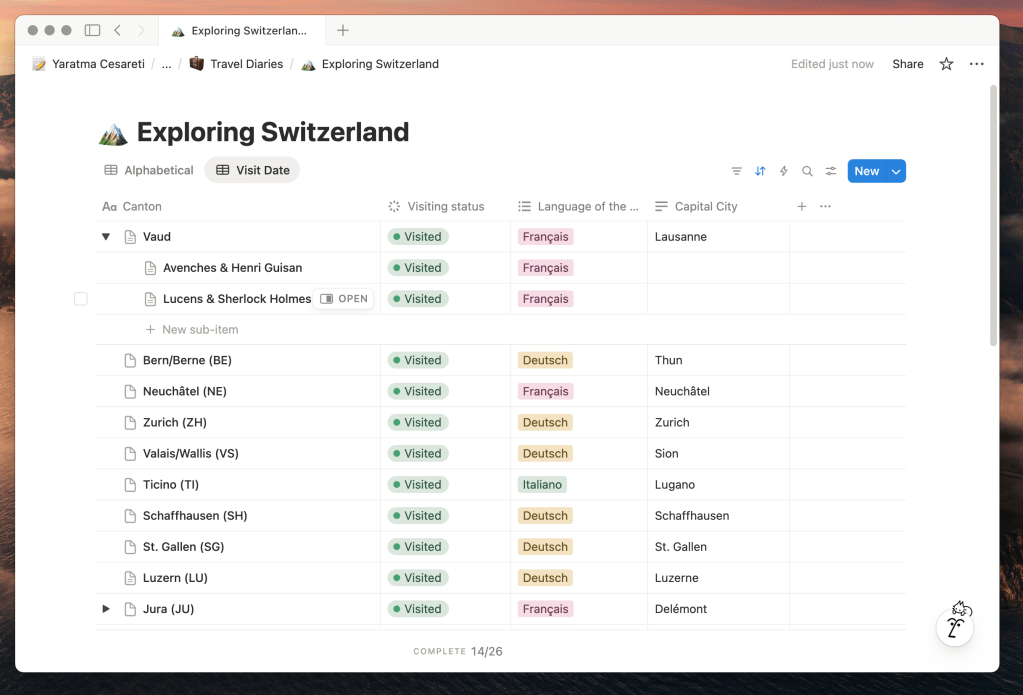
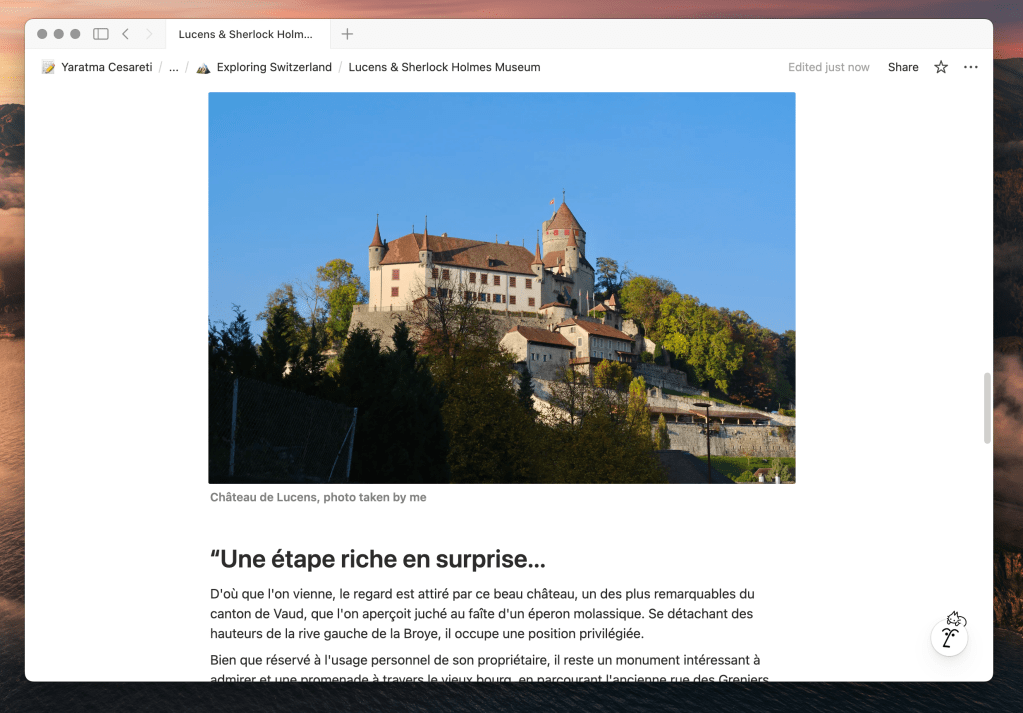
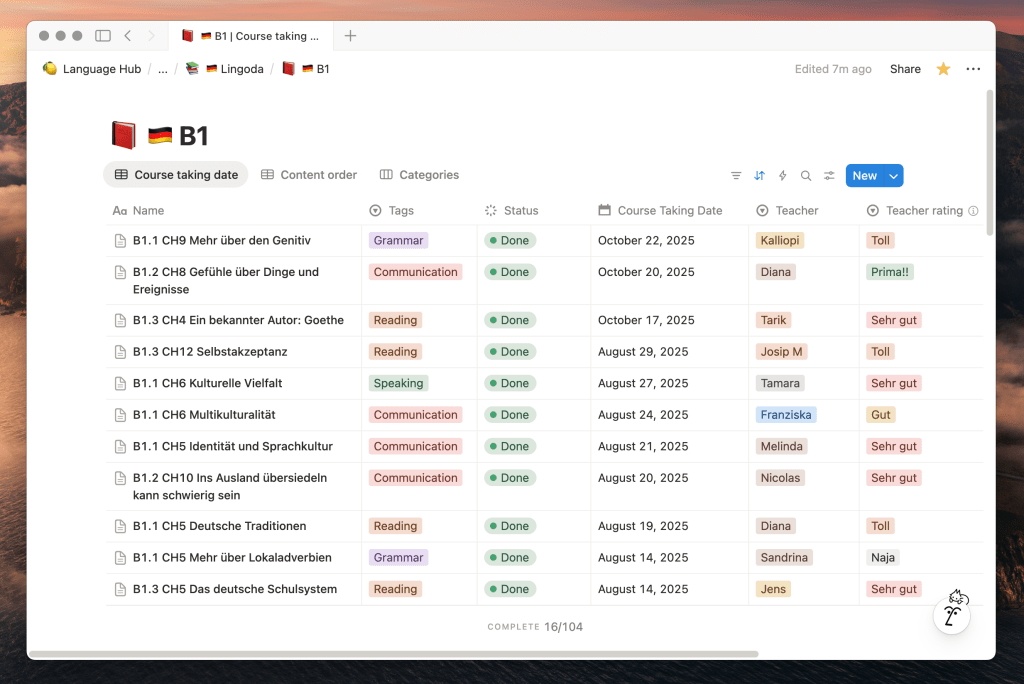
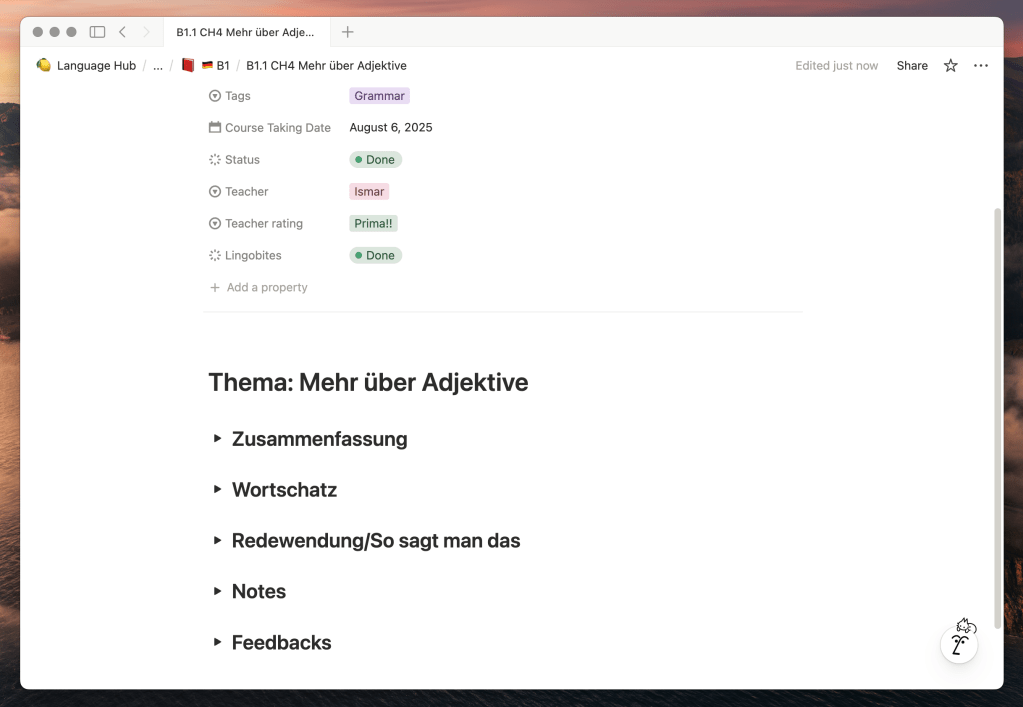
- I use it most often for tracking my language learning journeys & as my travel diary.
Spark
- Both on desktop and mobile, I use Spark’s mail app. I find it much more sleek and thoughtfully designed compared to Gmail or Apple Mail. I especially like that I can easily and much more quickly delete an email by swiping, which is not a given option in Apple Mail, unfortunately.
🎧 Listening
Deezer
- Why not Spotify?
- Due to ethical concerns about Spotify, I switched to Deezer this year. So far happy with it, I could migrate all my playlists easily, and I could find just about every song I looked for.
- Listening in high fidelity is possible, which was non-existent in Spotify.
- When the lyrics for a non-English song are available, there is also English translation option, which is very cool for language learners.
Apple Podcasts
- To listen to mostly my three favorite podcasts: Casual Magic, Easy French, and Easy German. I occasionally listen to other podcasts too. 🙂
🎬 Watch & Review
Letterboxd
- Like Goodreads but for movies. You can check ratings for movies as you do on IMDb, but the real charm lies in its community of film lovers who enjoy logging what they’ve watched, writing reviews, and curating personal movie libraries. It offers a clean, user-friendly interface where you can also create thematic lists and follow other cinephiles.
🚞 Travel
Seek
- An app for identifying and recording interesting plants and animals you encounter in daily life or while traveling. Created in collaboration with National Geographic.
Wise
- A financial platform for sending and spending money abroad, offering a debit card with exchange rates far better than typical bank cards.
Other
- Accommodation – classics: Booking.com, Airbnb
- Transportation: Moovit when Google Maps or Apple Maps is not good enough to show public transportation
- BNE sim for e-SIM.
👩🏼💻 Video Editing & Digital Design
Canva
- I mainly use it to design my own language-learning materials and create presentations.
Final Cut Pro
- My go-to tool for video editing.
THE END
I hope you found one or two interesting apps or websites from the blog post. Don’t hesitate to share a few of your favorite apps in the comments! I’ll be genuinely interested to look at them. Talk to you in the comments 🙂
Disclaimer: None of these apps are sponsored—they’re all personal recommendations, including Lingoda. I still pay for Lingoda myself; I just earn a small commission if you sign up through my link and later decide to buy a package.
 Semiha Weber
Leave a comment